LumiCV
Live Available on Chrome Web Store

Your job search OS, on every job page

Match score, tailored resume, cover letter, and ATS autofill — without leaving the tab. The whole LumiCV workflow, inside the job posting you're already on.

Chrome may show a "Proceed with caution" dialog for newly published extensions. Click "Continue to install". LumiCV is a verified Chrome Web Store publisher.

See where the extension fits in the full LumiCV flow
LumiCV match score for a job posting

See it in action

Everything you need, one click away

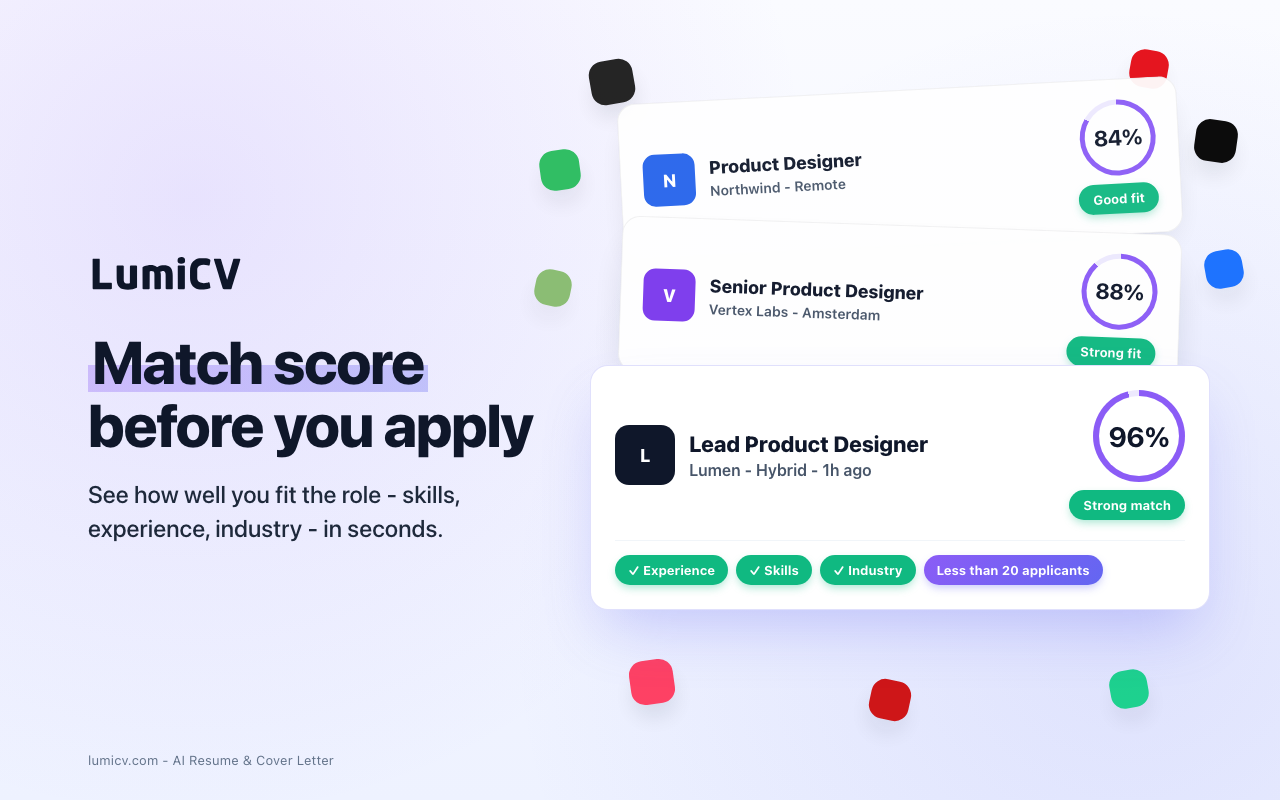
Match Scoring

Instant percentage match on any job posting

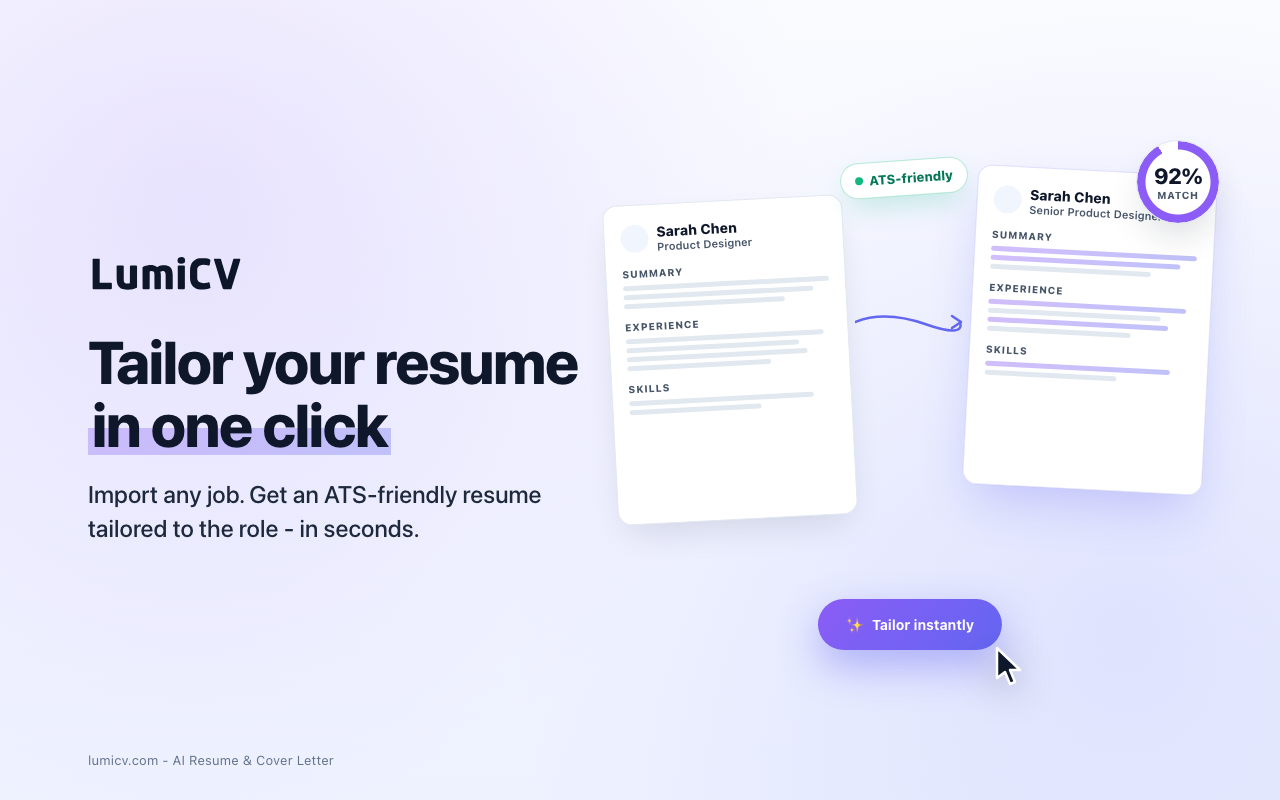
AI Resume Tailoring

Rewrite your resume for the specific role

ATS Autofill

Fill application forms from your resume in one click

Job Tracking

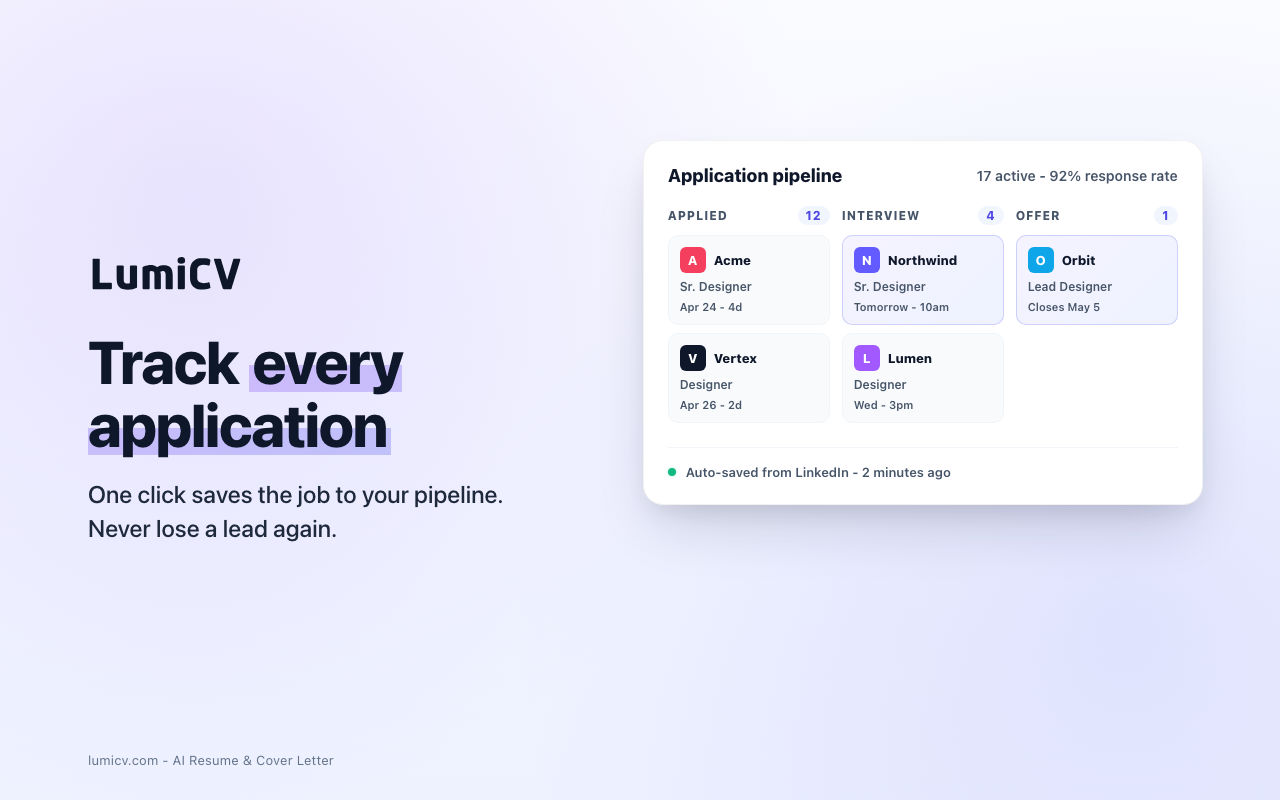
Save jobs to your LumiCV pipeline from any board

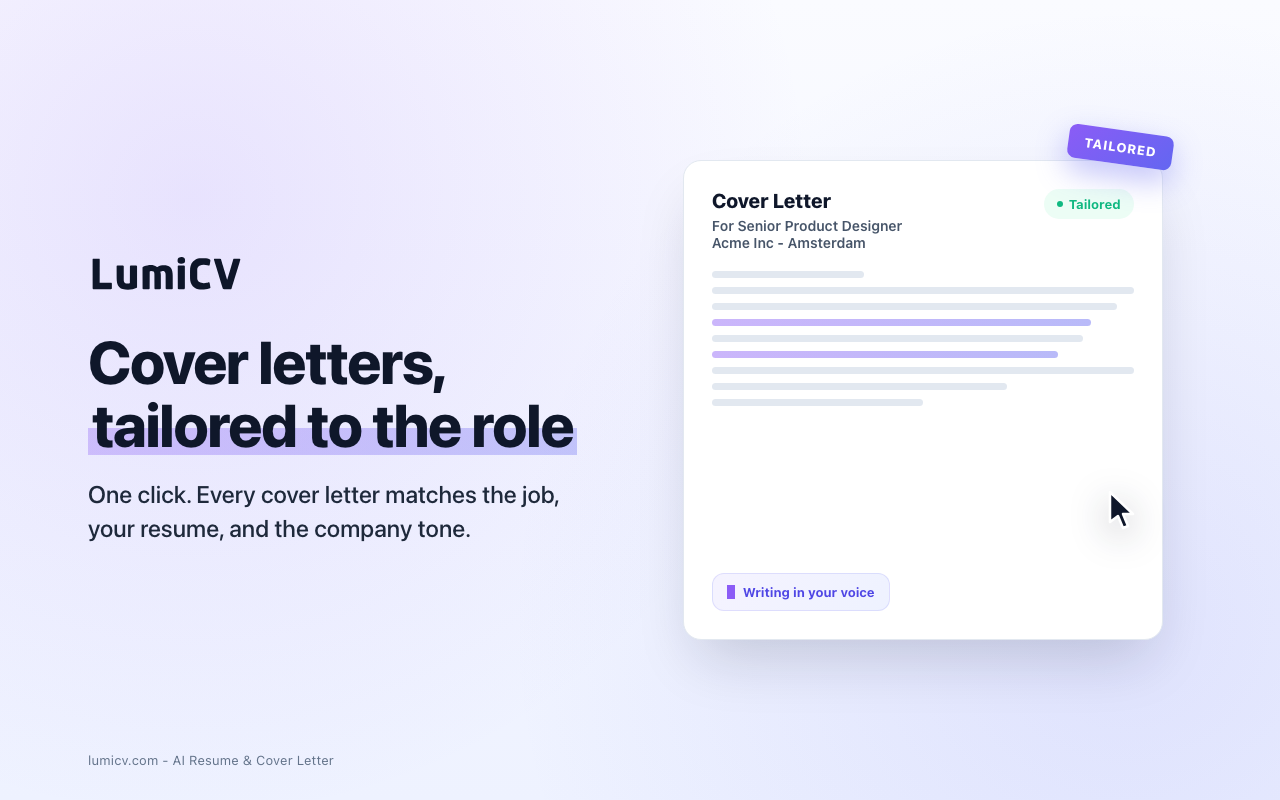
Cover Letters

Generate a tailored cover letter right on the job page

Multi-Language

Full support for 9 languages

With vs Without LumiCV Extension

Without

  • Copy-paste JD to ChatGPT
  • Manually rewrite resume
  • Re-type into every form
  • Lose track of applications
~35 min per application

With LumiCV

  • Score appears automatically
  • AI tailors your CV on the job page
  • One-click autofill
  • Auto-tracked in pipeline
~2 min per application

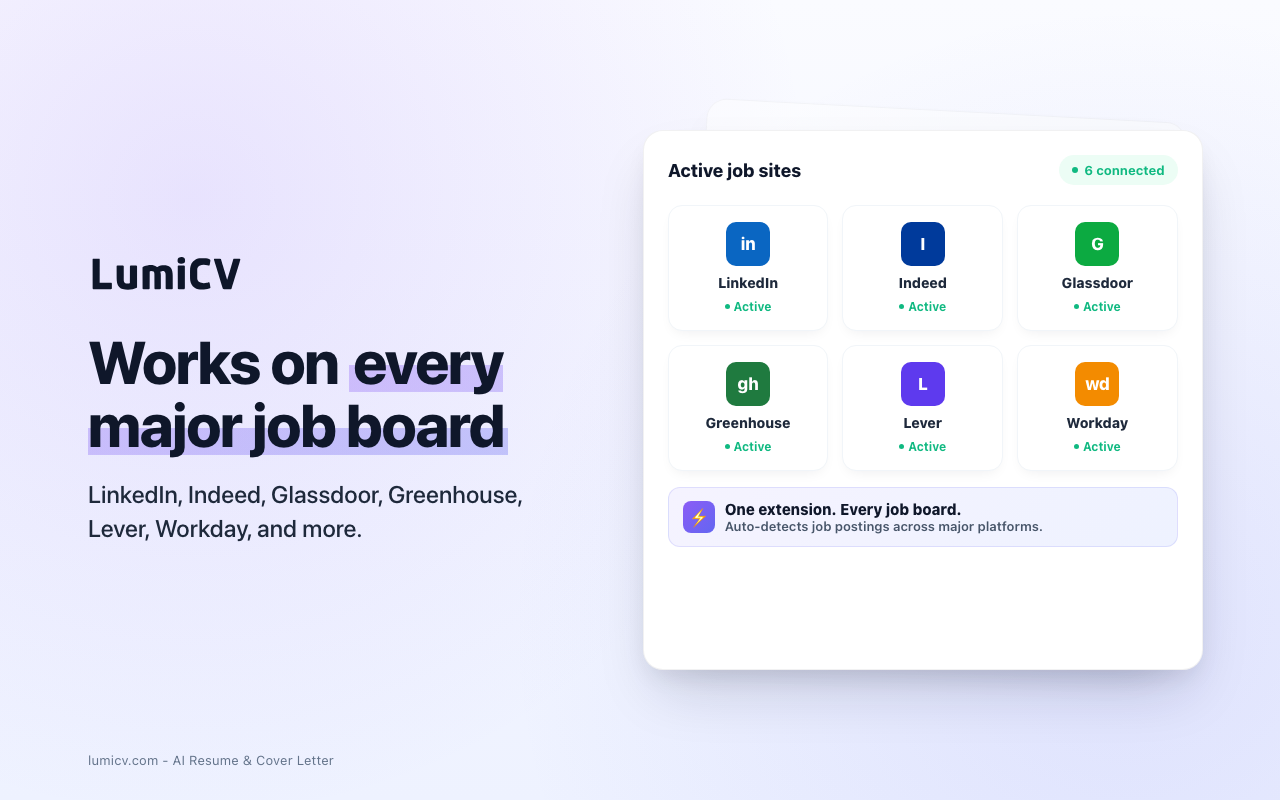
Supported Portals

Job Boards

LinkedIn Indeed Glassdoor StepStone

Application Tracking Systems (ATS)

Greenhouse Lever Workday SmartRecruiters Ashby Jobvite

Coming soon

Personio Recruitee Teamtailor Workable Welcome to the Jungle + any job page

Install in 3 Steps

1

Install from Chrome Web Store

2

Sign in with your LumiCV account

3

Open any job listing - LumiCV appears

Extension FAQ

Is the extension free?
Yes! The extension is completely free to install and use. Some AI features (like resume tailoring) use your LumiCV account credits.
Does it work with my free LumiCV account?
Absolutely. Match scoring and job saving work on the free plan. AI tailoring and cover letters use your AI credits — free accounts get 5 credits per month, plus 5 bonus credits this month.
Which browsers are supported?
Currently available for Google Chrome. Firefox and Edge support is coming soon.
Is my data safe?
Your data is encrypted, never sold, and never used to train AI models. The extension communicates only with LumiCV servers - no third-party tracking.
Do I need a LumiCV account?
You need a free LumiCV account to use the extension. Sign up takes 30 seconds - cancel anytime.
How do I uninstall?
Right-click the LumiCV icon in your browser toolbar and select "Remove from Chrome". Your LumiCV account and data are not affected.

Ready to apply smarter?

Tailor your CV right on the job page.

Add to Chrome - Free
The job search OS

One workflow. From job posting to offer.